Maintenance schedules
Interval-based tasks that keep your reminders up to date on their own.
Where: Vehicle ▸ Upcoming ▸ Schedules
A schedule is a list of tasks with intervals, such as engine oil every six months or 5,000 miles. Apply a template for a gasoline or electric vehicle, or start your own, then edit the tasks to match your owner's manual.
Applying a template gives the vehicle its own copy. The tasks are yours to edit, add to or remove, and the template itself never changes. A task can carry a note, such as why a sensor is replaced every ten years. The note shows on the schedule and on the task's reminder, in the Reminders tab, the overview and the reminder email.
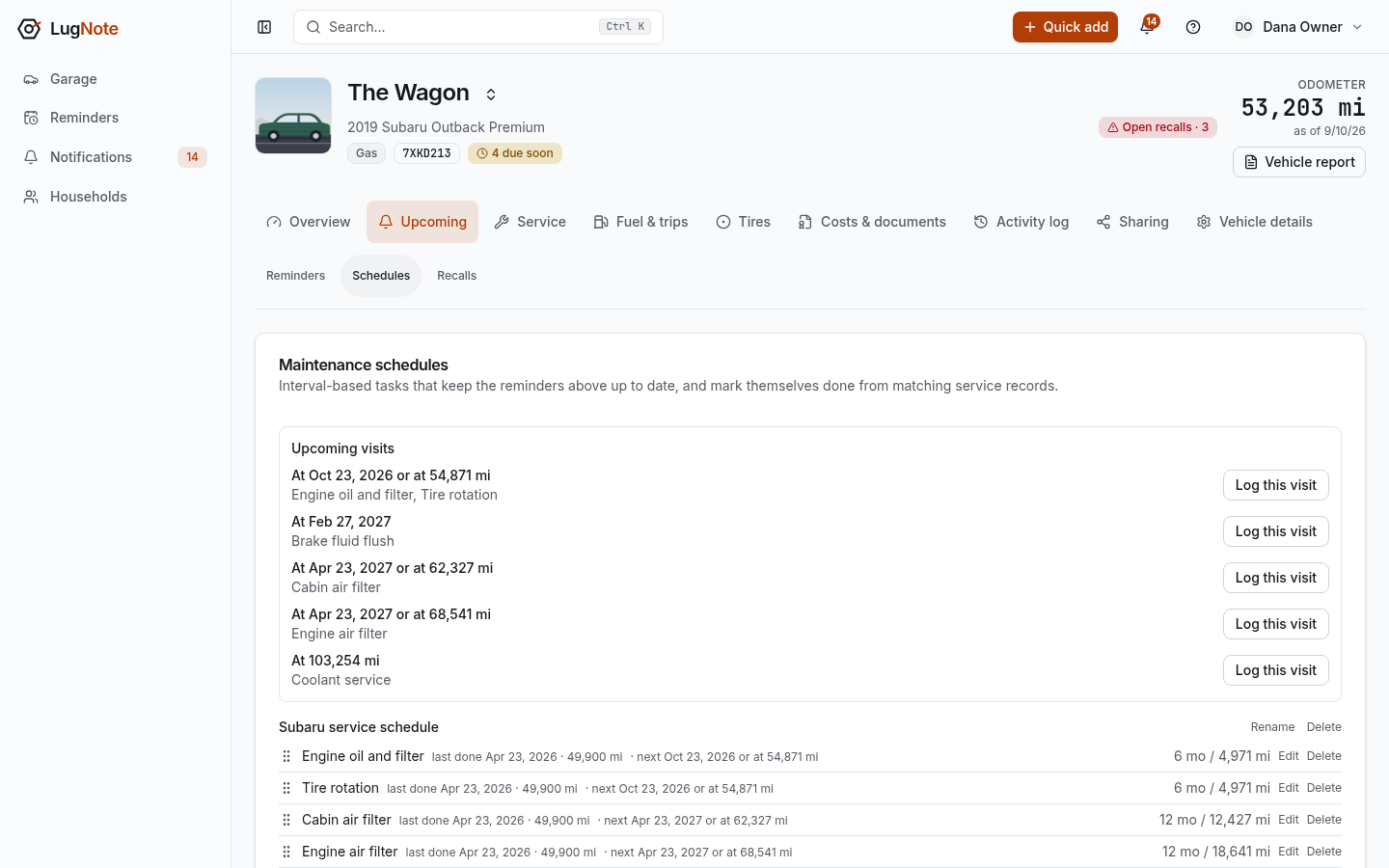
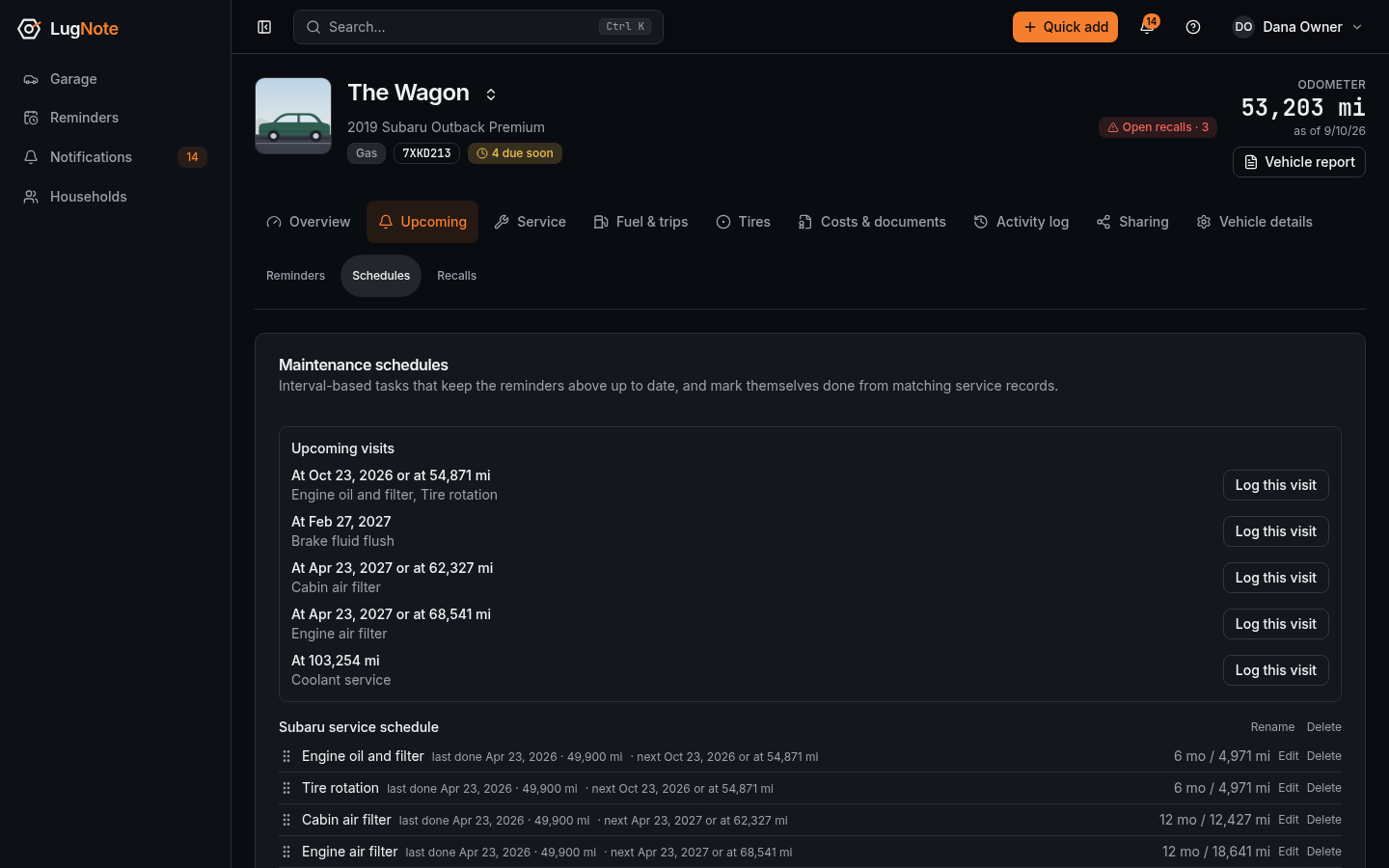
Each task projects a reminder from the last time it was done. When you log a service record that matches a task, the task marks itself done and projects the next one. A task with no match tags still reminds you; mark it done from its reminder. "Upcoming visits" at the top of the tab groups the tasks that fall due together.
Once a schedule fits one vehicle, "Save to household" keeps a copy of its tasks for the rest of the household. It then appears under "Your household" when you apply a template to another vehicle. Saved schedules are copies: changing or deleting one never changes a vehicle's schedule. Rename them, or add, edit and reorder their tasks, under Household ▸ Resources ▸ Saved schedules.
A schedule applied to a car with some years behind it usually opens with several tasks overdue, because LugNote has no record of them yet. Log the last visit, or complete the ones you know were done, and the dates settle.