Start here
Getting started
A household, a vehicle and one fill-up: everything else follows from those.
Where: Garage
LugNote is organised as households that own vehicles. You create a household when you sign up, and everything you record belongs to it, so the people you invite later see the same history you do.
- Add a vehicle from the Garage. Paste the VIN and LugNote fills in year, make, model and trim; you can also type them in.
- Enter the current odometer. Every distance-based reminder and every cost-per-mile figure starts from it.
- Log one fill-up or charge with Quick add. Efficiency appears after the second full one.
- Apply a maintenance schedule so the app can start telling you what is due.
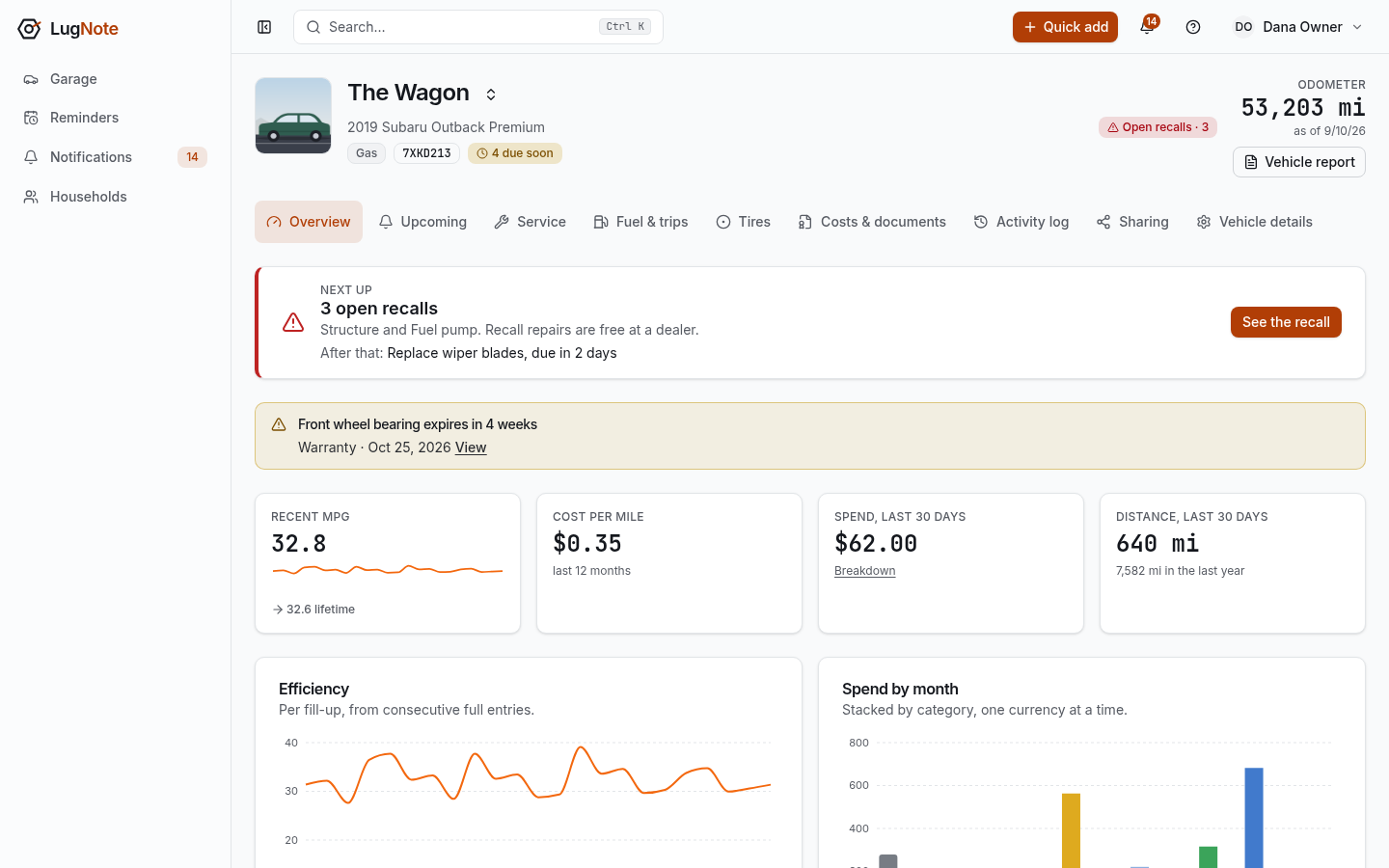
Each vehicle has tabs for what is coming up, its service history, fuel or charging and trips, tires, and costs and documents. The sidebar stays short on purpose: Garage, Reminders, Notifications and Households.